Volt-VAR and Volt-Watt Settings: A Microinverter Commissioning Record
A controlled workflow for selecting, locking and documenting utility-approved smart-inverter settings without treating field parameters as universal defaults.

TMG Technical Team
Grid Integration
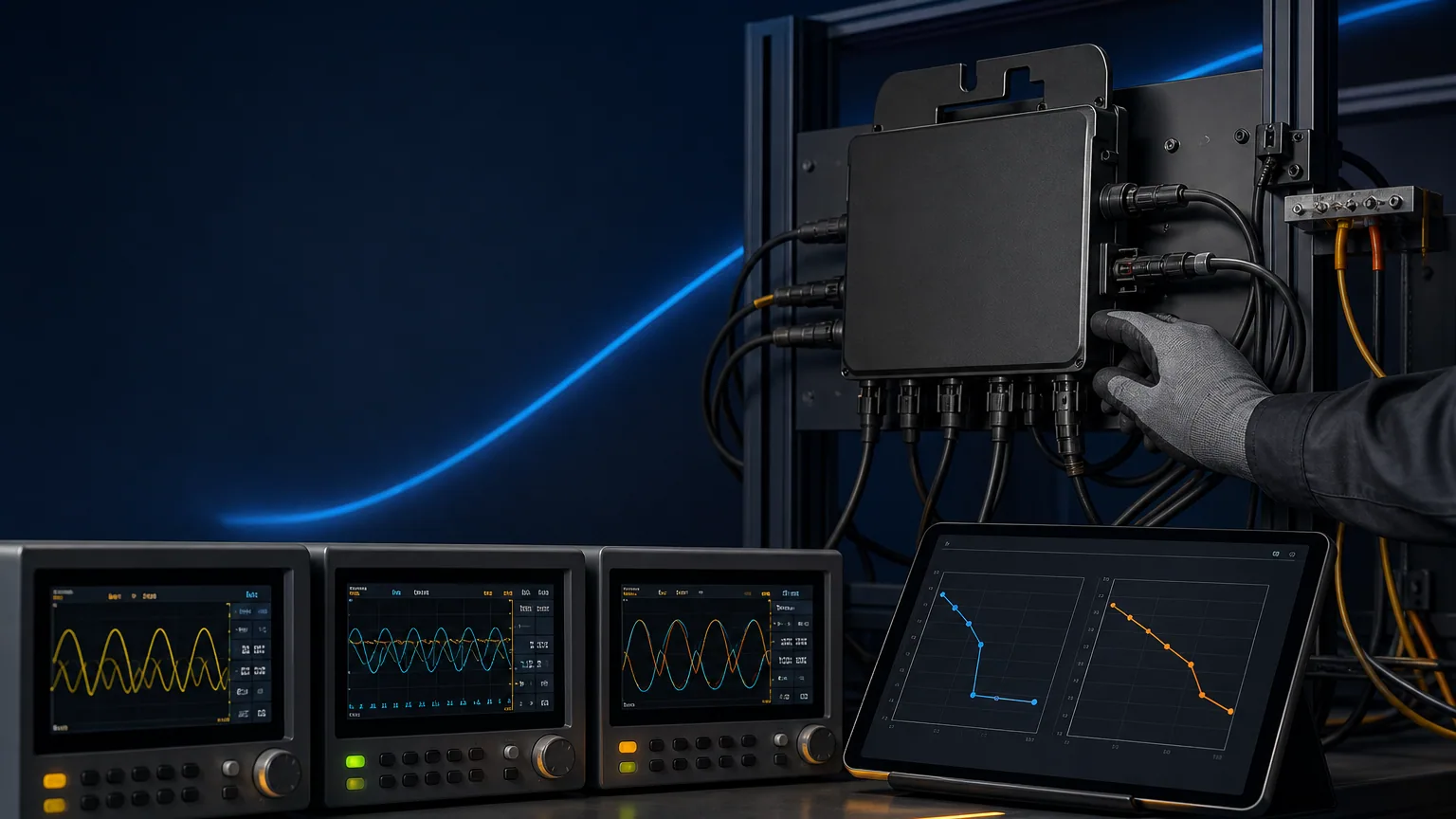
Modern grid profiles can require more than over/under-voltage trips. Functions such as Volt-VAR and Volt-Watt influence reactive or active power in response to measured voltage. They can support network operation, but incorrect settings can reduce production or create a non-compliant installation.
Understand what each function changes
Volt-VAR adjusts reactive power according to a voltage-response curve. Volt-Watt reduces active power as voltage rises through a defined range. Fixed power factor and frequency-watt are different modes and may interact through priority rules.
NREL's smart-inverter guidance shows that these functions have different grid and energy impacts. A project should not enable every available mode “for extra safety.” Use only the profile accepted by the relevant network operator.
Obtain the approved profile before commissioning
Record the country, utility, connection category, standard edition and profile identifier. Capture curve breakpoints, deadbands, ramp rates, response times, power-factor convention, active/reactive priority and any lock or permission mechanism.
| Commissioning field | Required evidence |
|---|---|
| Profile name/version | Utility or certification reference |
| Applicable model/firmware | Manufacturer scope statement |
| Enabled functions | Parameter export or screenshot |
| Curve values | Controlled settings sheet |
| Priority rule | Manual/test report reference |
| Installer authority | Approval or role record |
National grid guidelines may update settings periodically. Energy Networks Australia, for example, publishes connection guidance and region-specific requirements; the current value should be checked at project approval, not copied from an old job.
For Australian procurement after the 2025 transition, use the AS/NZS 4777.2 Amendment 2 importer checklist to connect region-profile evidence with the exact model, CEC listing and responsible importer.
Keep grid support separate from protection
A Volt-Watt curve can limit output before a high-voltage trip, but it is not the same as the protection function. Volt-VAR also does not replace anti-islanding. Keep the anti-islanding evidence, protection profile and grid-support settings as separate controlled records.
Do not widen trip thresholds or alter curves to mask cable voltage rise. Complete the AC voltage-rise calculation and resolve the installation cause.
Verify behavior without improvising a grid test
Field commissioning should confirm that the correct profile is loaded, locked where required and reported consistently by the monitoring interface. Functional curve testing requires suitable equipment and safe procedures; do not vary live utility voltage or create unsafe conditions on site.
Where an accredited type test covers the function, verify the exact model, firmware and parameter set. If the utility requires a commissioning test, follow its procedure and use calibrated instruments.
Preserve an auditable handover record
Export or photograph the approved parameters, record serial numbers and firmware, note who applied the profile and retain the utility acceptance. Protect administrator credentials and document how a replacement unit receives the same configuration.
After an update, replacement or factory reset, recheck the profile rather than assuming settings persist. Monitoring should flag unexpected curtailment without encouraging unauthorized parameter changes.
Send the utility profile, single-line diagram, model list and firmware requirement through TMG Contact. The goal is a repeatable country-profile package that distributors can deploy across sites without relying on a technician's memory.
Sources & further reading
- https://www.nrel.gov/docs/fy19osti/72102.pdf
- https://www.nrel.gov/grid/ieee-standard-1547/index.html
- https://www.energynetworks.com.au/projects/national-grid-connection-guidelines/
Last reviewed September 27, 2024.